Find anything,
wherever you put it.
The boxes in the basement and the garage, but also the clothes in your drawers and the cables in the cupboard. Anything, at home and beyond.
-
Photograph
One shot, and the item goes into your archive together with the place where you put it.
-
Catalogue
Places, rooms, containers. As deep as you need — a basement is not a wardrobe.
-
Find
Search for the name, read where it is. Even in the basement, where your phone has no signal.
Where did I put the drill?
Bosch drill Garage · Shelf B GAR-B03
What it looks like today
Real screenshots of the app in development, in its Italian version — not mock-ups.
-
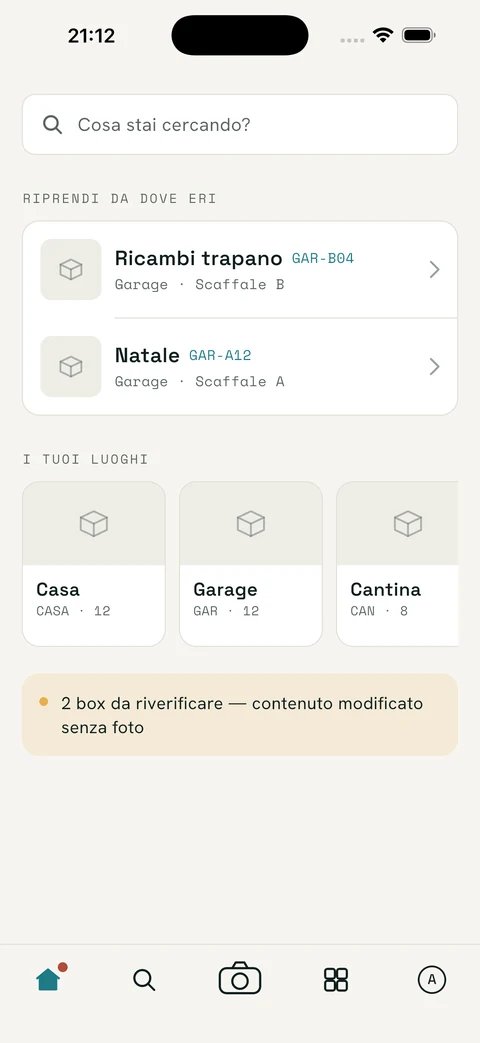
It opens on the search, not on a menu. Below it, where you left off.
-
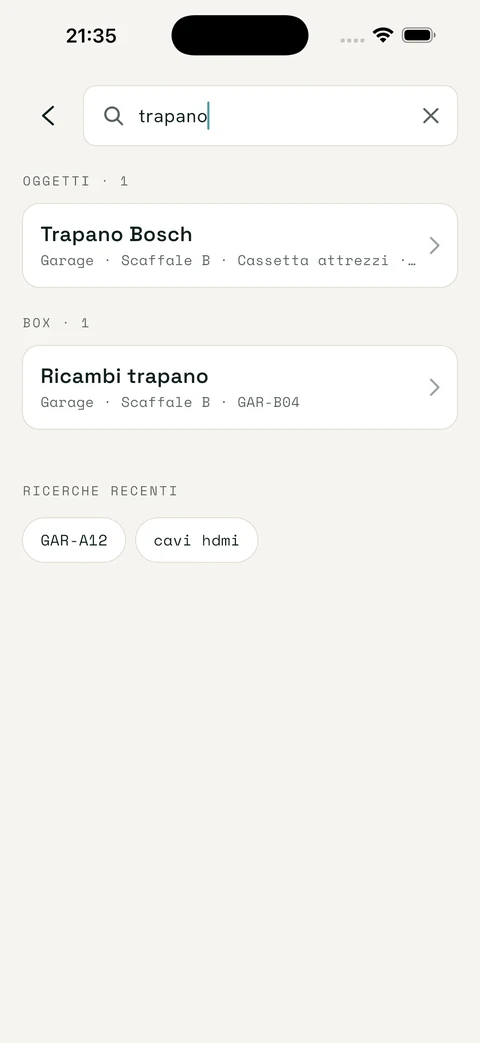
You search for «trapano» (drill). The answer isn't what it is: it's where it is.
-
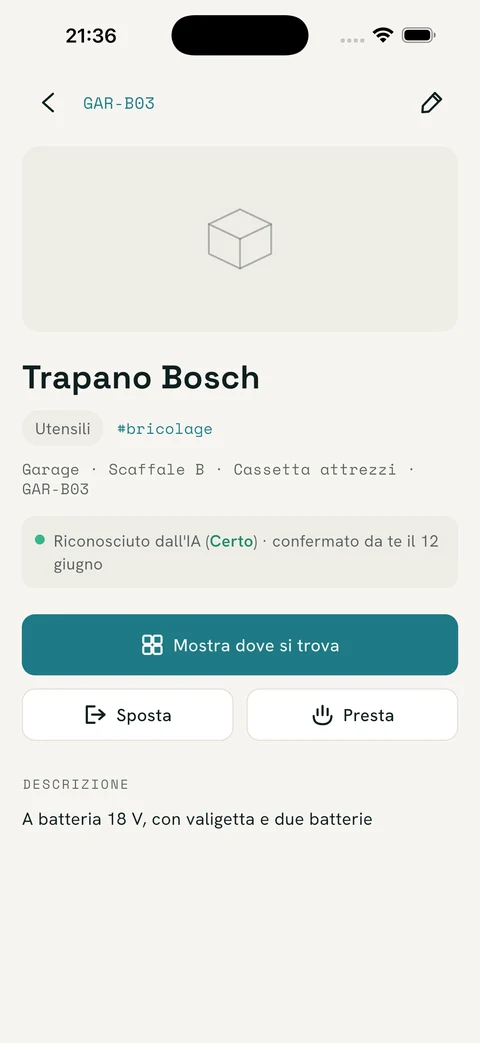
The AI suggests, you confirm. The card always says who recognised what.